
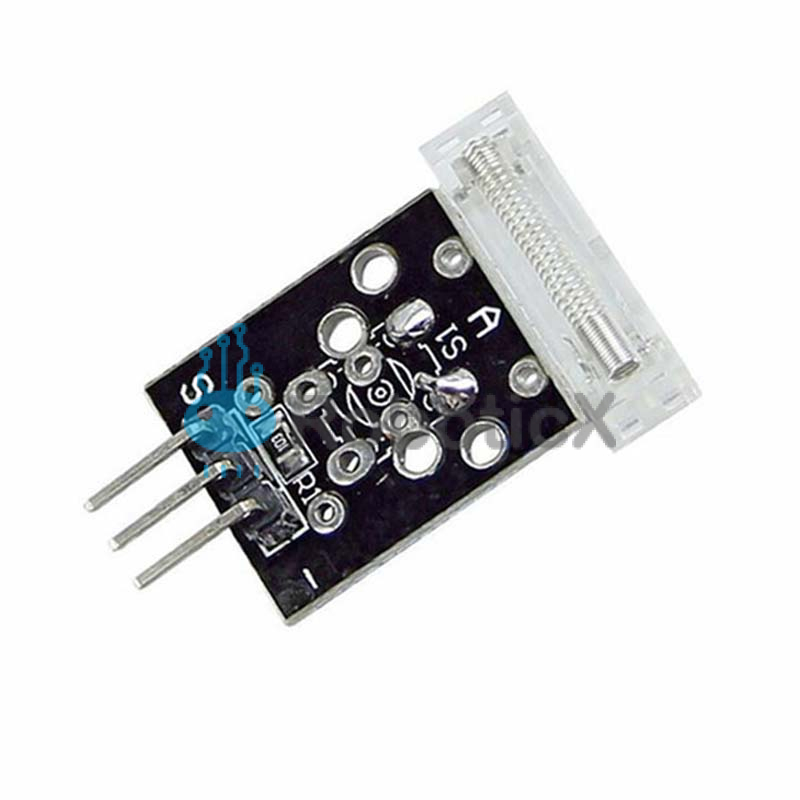

KY-031 Knock Sensor Module
$ 5.71
The KY-031 Knock Sensor module is a vibration sensor that sends a signal when a knock/tap is detected. Compatible with Arduino, ESP8266, ESP32, Teensy, Raspberry Pi, and other popular platforms.KY-031 SpecificationsThis module consists of a spring-based sensor, a 10 kΩ resistor and 3 male header pins. The spring emits a high signal when a vibration is detected.Operating Voltage3.3V ~ 5VOutput TypeDigitalConnection DIagramConnect the module’s Power line (middle) and the ground (-) to 5 and GND respectively.Connect signal (S) to pin 3 on the Arduino.KY-031ArduinoSPin 3middle 5V–GNDKY-031 Arduino CodeThe following sketch will turn on the LED on the Arduino’s pin 13 when the module detects vibration caused by knocking or tapping the sensor.Arduino int Led = 13; // LED on Arduino board int Shock = 3; // sensor signal int val; // numeric variable to store sensor status void setup() { pinMode(Led, OUTPUT); // define LED as output interface pinMode(Shock, INPUT); // define input for sensor signal } void loop() { val = digitalRead(Shock); // read and assign the value of digital interface 3 to val if(val == HIGH) // when sensor detects a signal, the LED flashes { digitalWrite(Led, LOW); } else { digitalWrite(Led, HIGH); } }12345678910111213141516171819202122int Led = 13; // LED on Arduino board int Shock = 3; // sensor signalint val; // numeric variable to store sensor status void setup(){ pinMode(Led, OUTPUT); // define LED as output interface pinMode(Shock, INPUT); // define input for sensor signal} void loop(){ val = digitalRead(Shock); // read and assign the value of digital interface 3 to val if(val == HIGH) // when sensor detects a signal, the LED flashes { digitalWrite(Led, LOW); } else { digitalWrite(Led, HIGH); }} Related
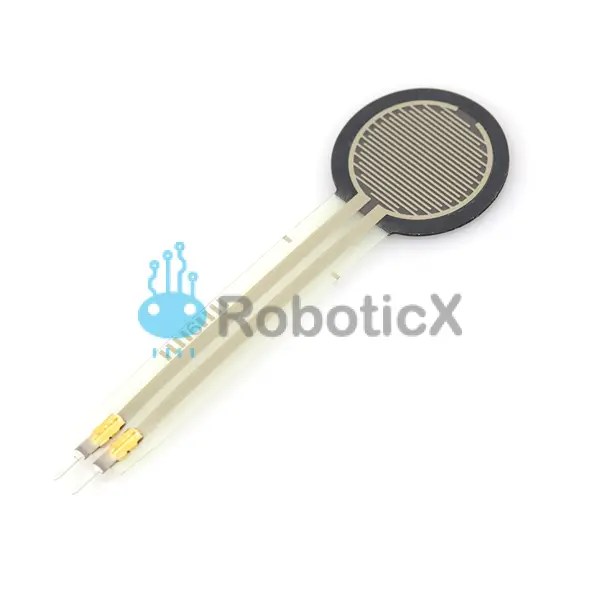 Force Sensitive Resistor 0.5″
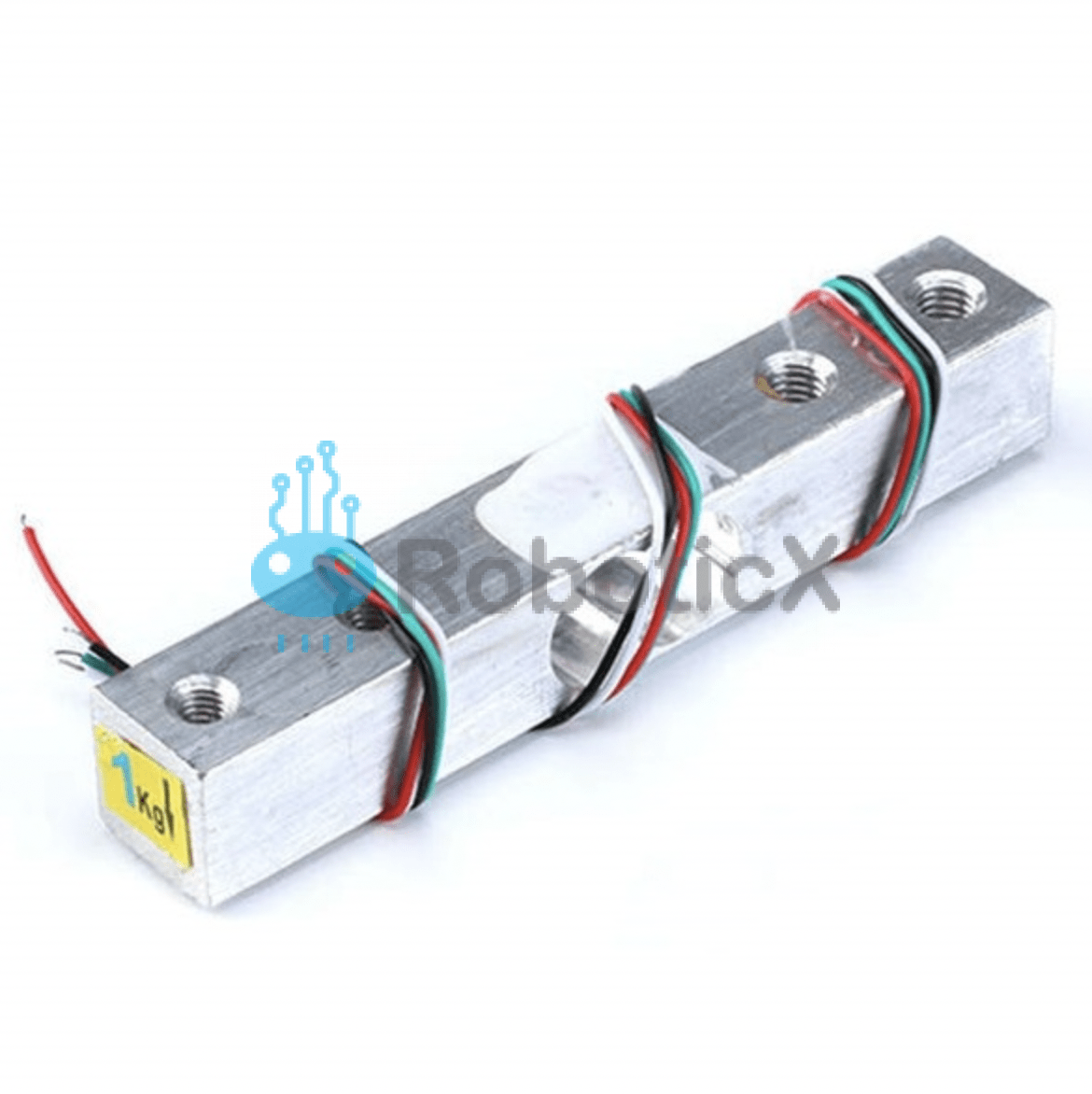 Load Cell – 1kg, Straight Bar
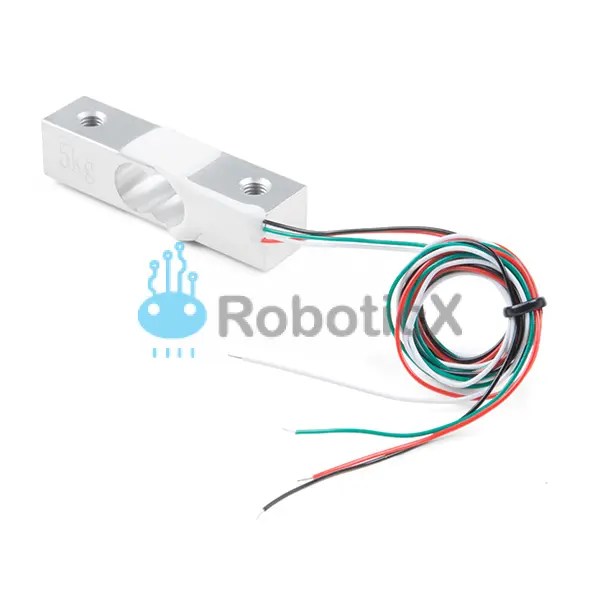 Load Cell – 5kg, Straight Bar