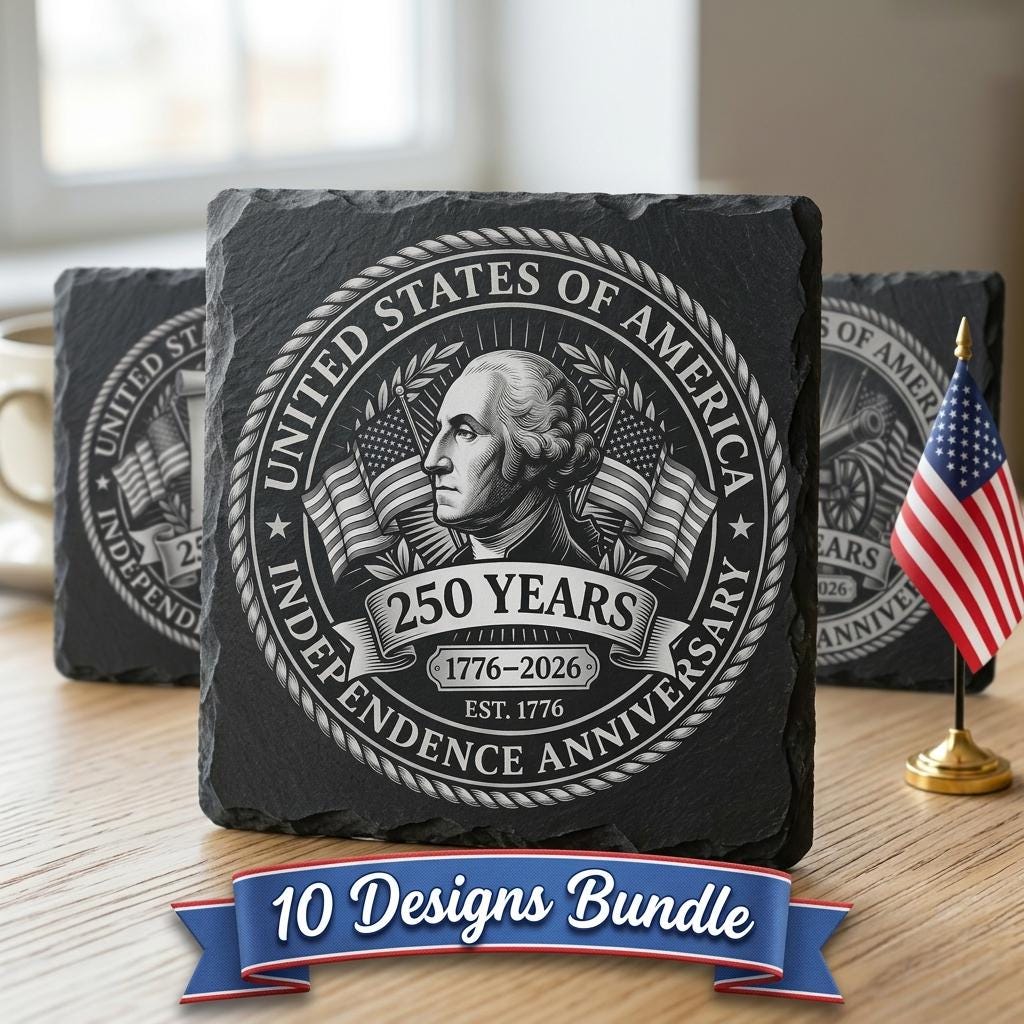
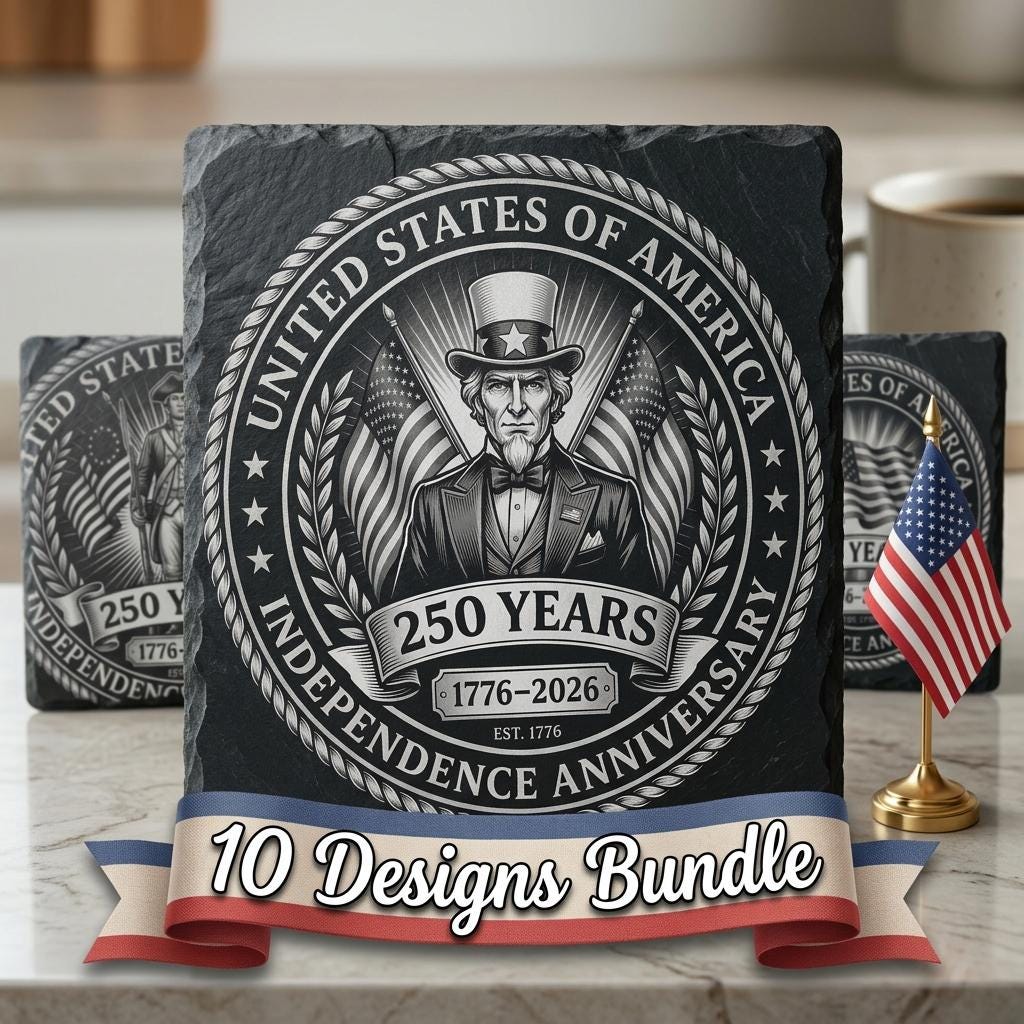
USA 250th Patriotic Engraving PNG Bundle, Vintage Designs for Slate Co…
$ 2.92
Description Celebrate America’s 250th anniversary with this Patriotic Engraving File bundle, created to deliver bold, vintage-inspired artwork for slate coasters and more. Each design brings timeless pride and a commemorative feel that customers love for gifts, events, and home décor. This premium PNG set features crisp, high-detail compositions that engrave cleanly and look stunning on slate. Perfect for patriotic collections, limited-edition releases, and holiday promotions—designed to help your finished products stand out and sell faster. Compatible with popular laser engravers and software like Lightburn and Glowforge, these designs are ready to use and easy to integrate into your workflow. Add instant value to your shop with anniversary-themed artwork that attracts attention and drives more orders. *YOU WILL RECEIVE: – High-Resolution Grayscale PNG (5200px or 4000px), optimized for laser engraving up to 17.3" x 11.5". – Jarvis Dithered Images – ideal for laser machines without dynamic power control. * IMPORTANT NOTES: – Ensure you're familiar with setting the correct parameters for laser engraving. – Adjust the speed and power settings to achieve optimal results. – The final quality will depend on both the material used and the engraving parameters you configure. – For laser machines with fixed engraving power (non-dynamic), it is recommended to use the Jarvis image or Jarvis mode in LightBurn for best results. ✸ IMPORTANT NOTE: - Ensure you're familiar with setting laser engraving parameters before starting. - Experiment with speed and power settings to achieve optimal results. - Final engraving quality depends on both the material used and the accuracy of your settings. - For laser machines with fixed (non-variable) engraving power, we recommend using the "Jarvis image" or "Jarvis mode" in LightBurn for best outcomes. ✸ RECOMMENDED GUIDELINES: - Preparation: Clean the slate thoroughly and secure it firmly to prevent any movement during the engraving process. - Settings: Start with a power setting of 20–30%, speed of 300–400 mm/s, and DPI between 300–600. Adjust based on your machine and material type. - Testing: Always run a test on a scrap piece of slate. If the result is too light or scorched, reduce power or increase speed. If too dark, do the opposite. - Engraving Tips: Position the slate consistently to account for natural texture variations. Let the slate cool between multiple passes if needed. - Finishing Touch: Clean the slate post-engraving to remove dust and residue, revealing a sharp, detailed design. ✸ INSTANT DOWNLOAD AVAILABLE AFTER PAYMENT ✸ NEED ASSISTANCE? CONTACT US FOR PROMPT SUPPORT!
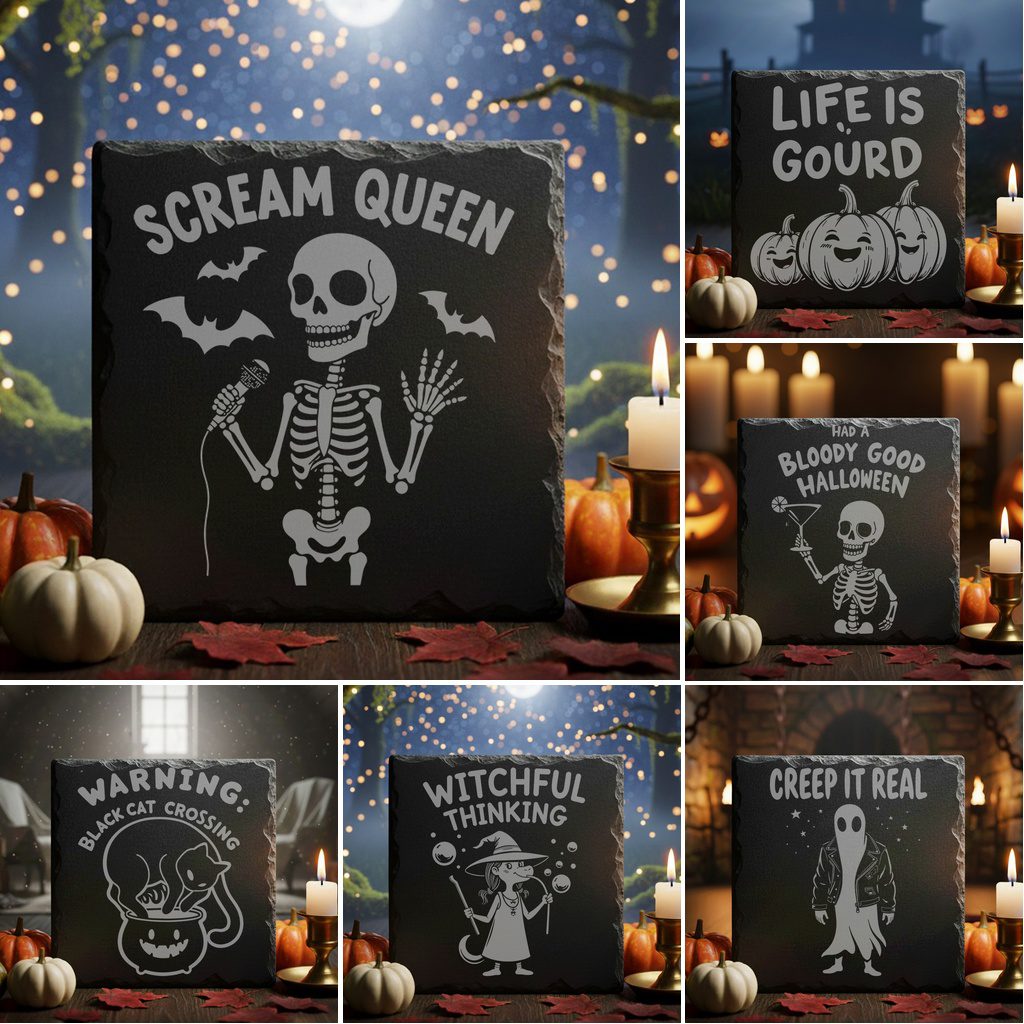 Halloween Coaster Bundle, Funny Slate Engraving Designs for Laser, PNG…
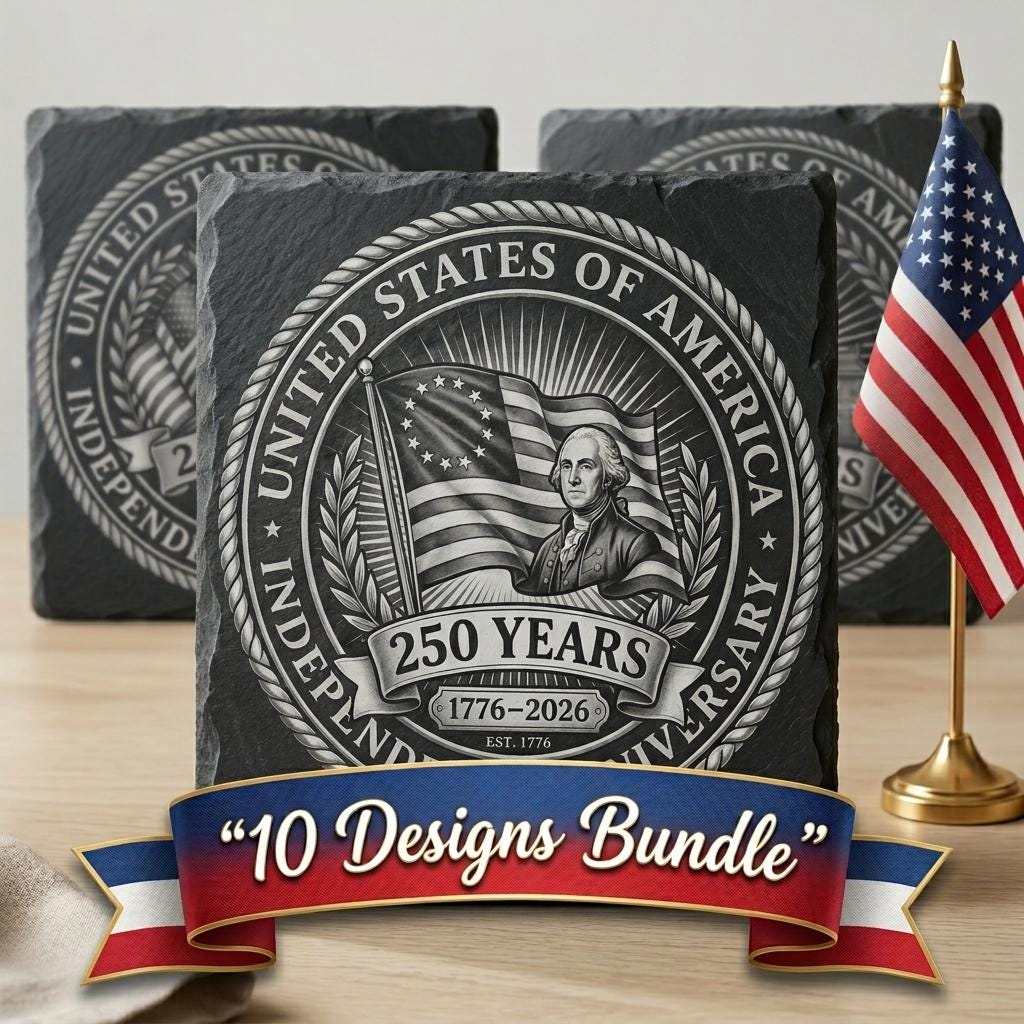 America 250 Patriotic Slate Coasters, Laser Engraving Designs, 10 Pack…
 America 250th Anniversary Slate Coaster Engraving Designs, Patriotic B…